Utilities
DifficultyintermediateAdded2027.0Statusdraft
Import Parcels Command
Imports catchments from SSA or EPA SWMM to Civil 3D as parcels.
When to use this function
Use this function when you need to:
- [Scenario].
Before you begin
- [Prerequisite or preparation step].
Start the command
Location on Compact Ribbon:
Location on Extended Ribbon:
Procedure
-
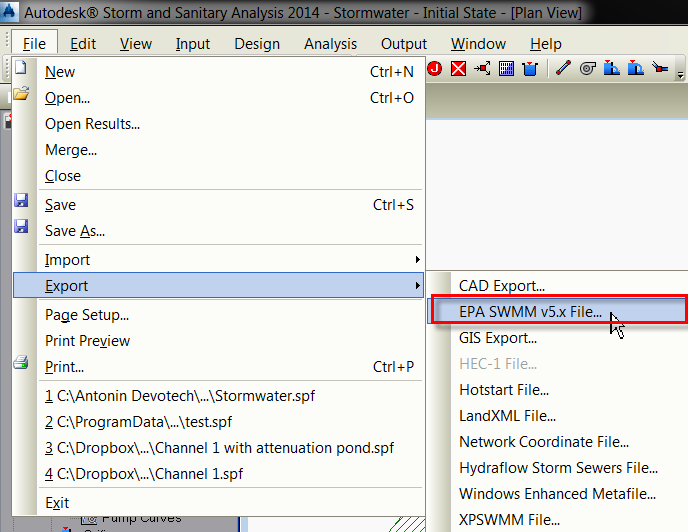
Open the project in SSA and export the project with the File – Export – EPA SWMM v5.x File command:
-
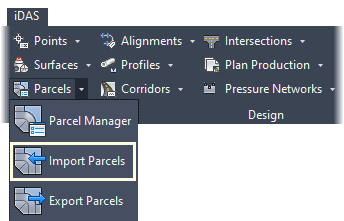
Run the command and browse for the .inp file created in the previous step:
Catchments imported as parcels from SSA:

Expected result
[Describe the observable successful outcome.]
Troubleshooting
[Symptom]
[Actionable resolution.]
Related topics
- [Link to a directly relevant topic]