StormwaterWastewaterWater
Command
Sewer CommandDifficultyintermediateAdded2027.0StatusdraftImport CD Sewer Command
Creates a sewer pipe network from a Civil Designer sewer network file (.txt file).
When to use this function
Use this function when you need to:
- [Scenario].
Before you begin
- [Prerequisite or preparation step].
Start the command
Enter Sewer Command at the Civil 3D command line.
Location on Compact Ribbon:
Location on Extended Ribbon:
Procedure
-
-
Run the command.
-
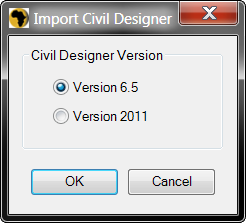
Specify the Civil Designer version:
-
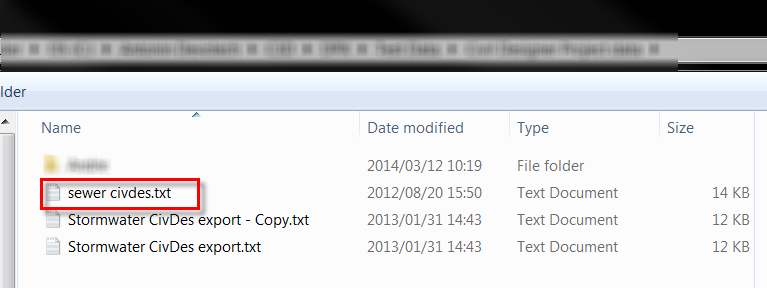
Browse to the Civil Designer sewer network file. The file format is .txt:
-
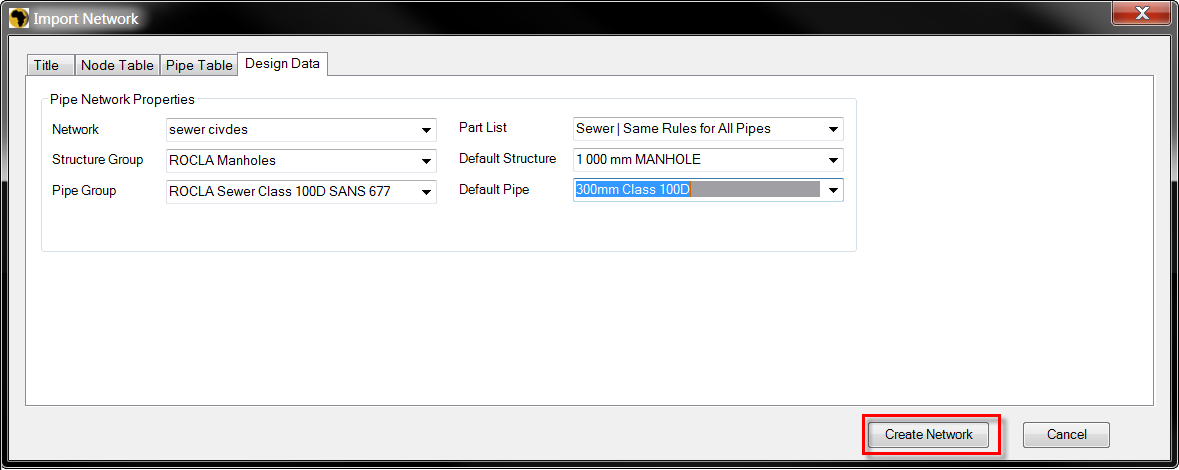
Specify the default structure and pipe styles and click on Create Network:
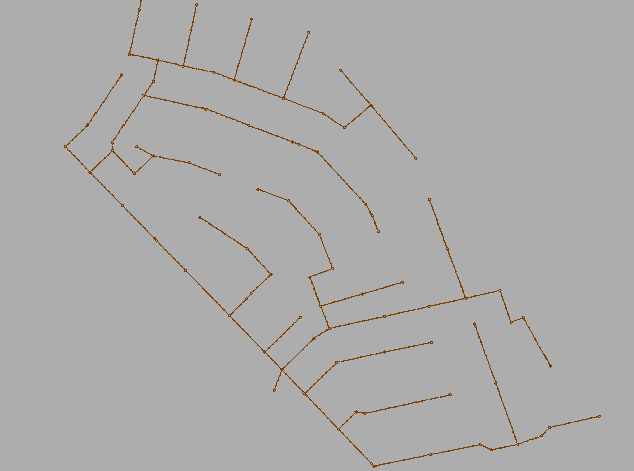
Created network:
-
Expected result
[Describe the observable successful outcome.]
Troubleshooting
[Symptom]
[Actionable resolution.]
Related topics
- [Link to a directly relevant topic]